For wedding & event planners
Look like the designer you are.Every scene of the event, ready in minutes.
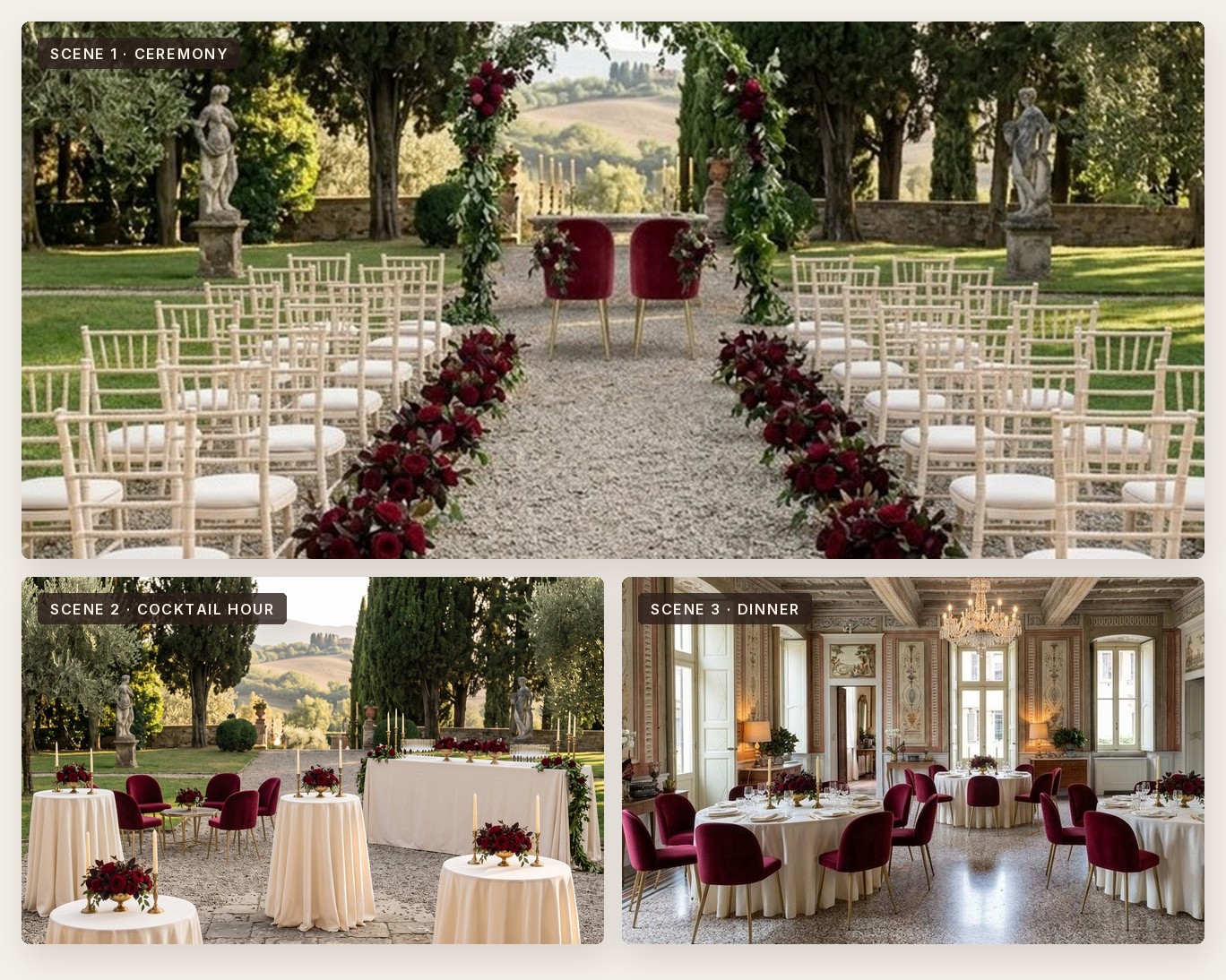
Upload the real venue, add the pieces you already own, and EventVision AI creates the ceremony, the cocktail hour and the dinner in one consistent style, ready for your client's yes.
✓ 8 free generations, no card✓ Your real venue✓ Your own pieces✓ Every scene in one style
You know this part.
The concept that takes all evening
After a weekend of events, you spend the night building one scene by hand in Canva or Procreate.
“That’s not what I imagined.”
A moodboard leaves too much to imagine. Everyone pictures a different event.
“Can we see it with blush napkins?”
The client changes one detail, and you rebuild the whole scene from scratch.
Why it's different
Not a generic AI image. Your event.
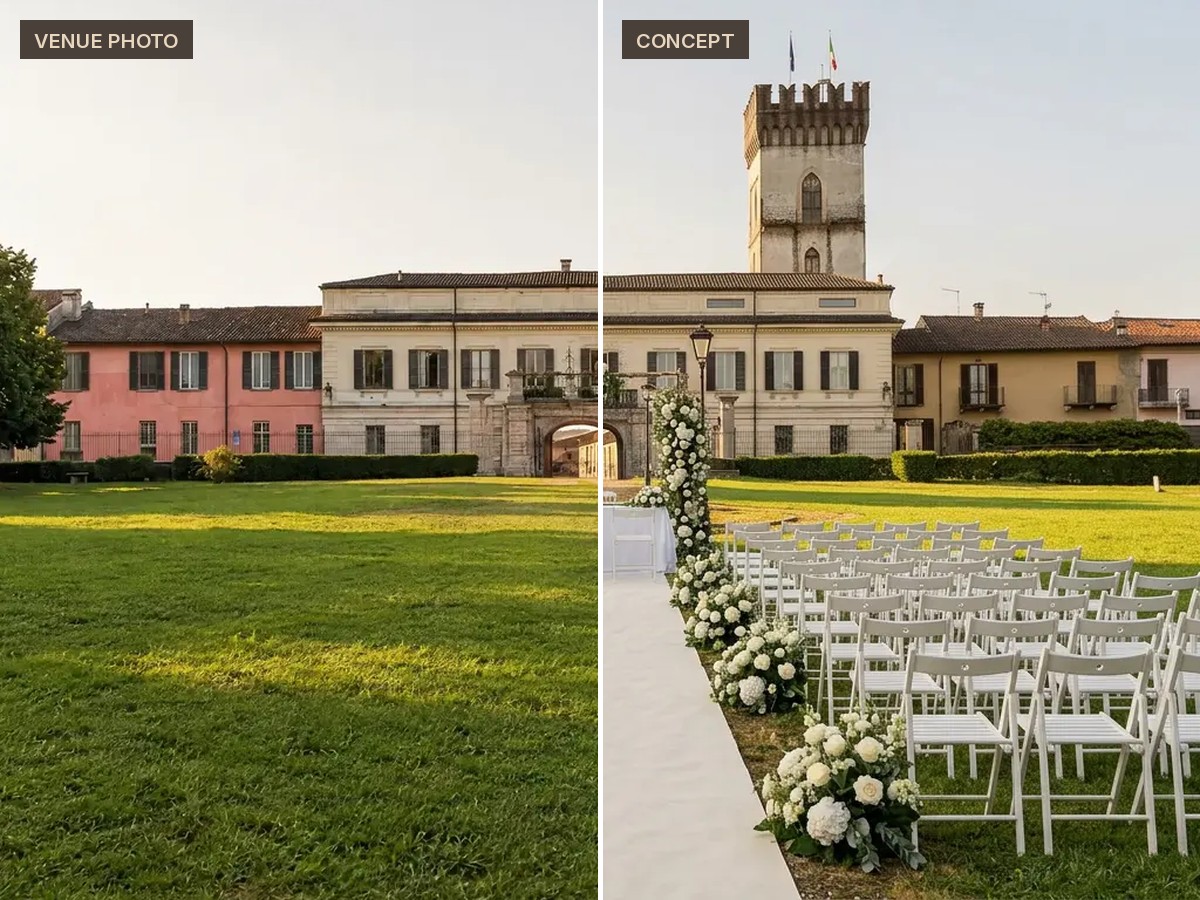
The real venue
Upload a photo of the client’s location. The concept keeps its walls, windows and floor.
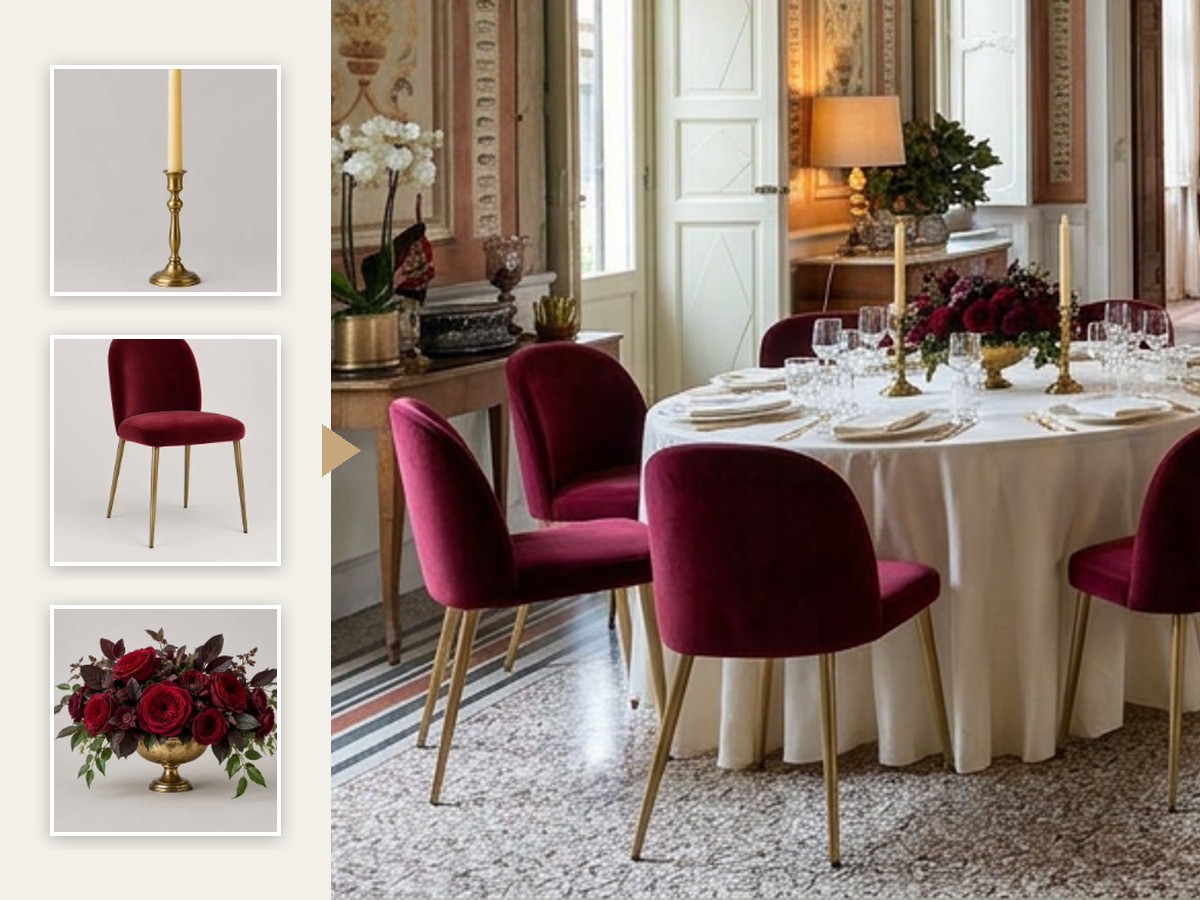
Your own pieces
Photograph your chairs, candlesticks and centerpieces once. Use them in every concept, so clients see what you can really deliver.
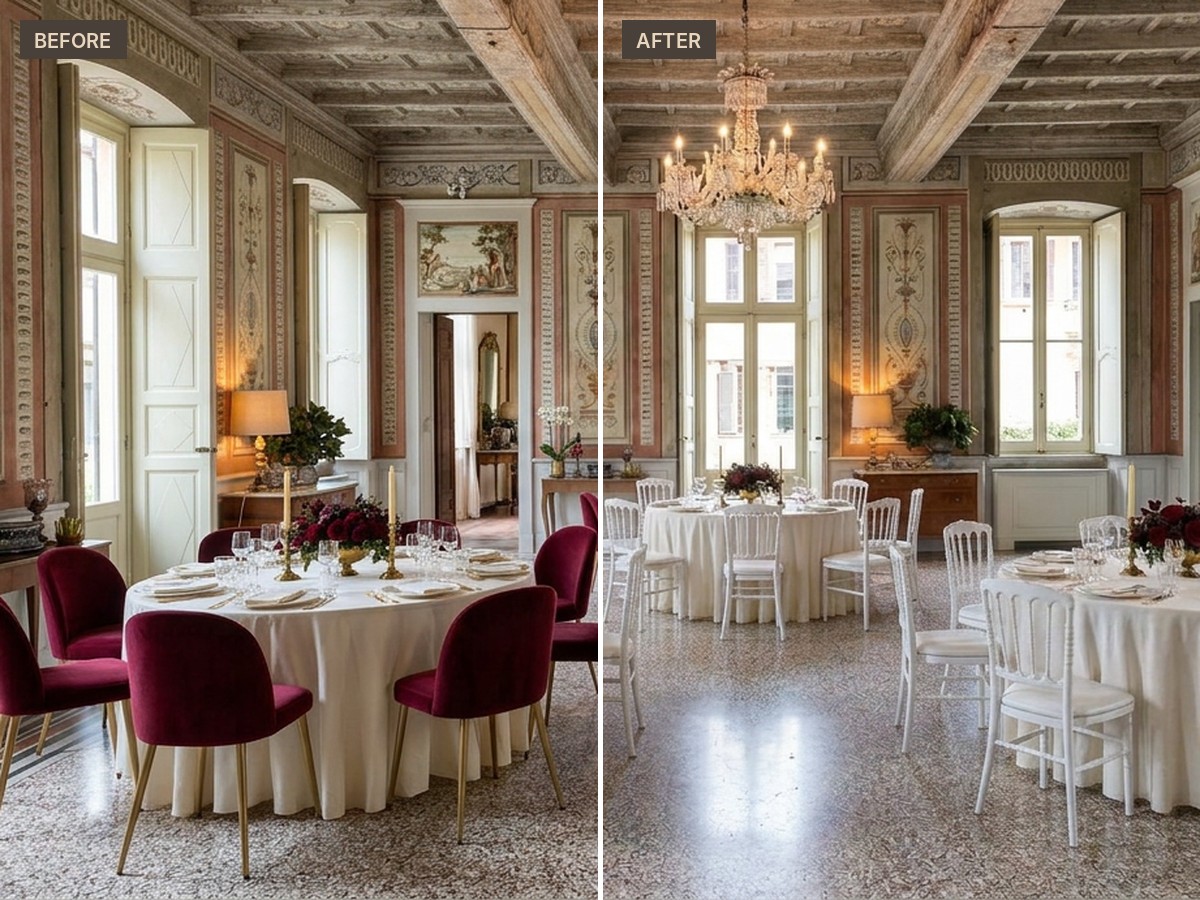
Change one detail
Napkins, flowers, chairs: change only what the client asks. Everything else stays exactly as it was.
How it works
Three steps. No prompts to learn.
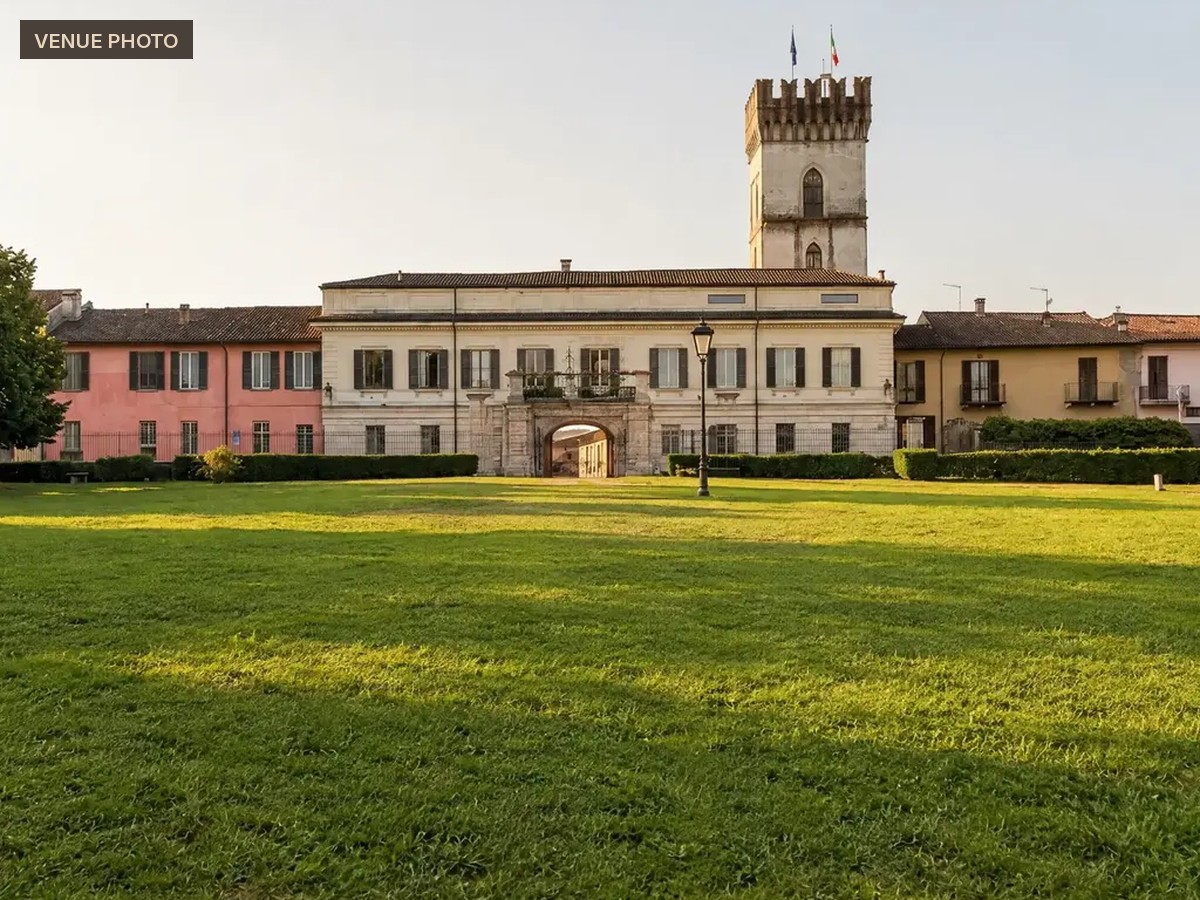
Upload the venue
A photo of the real room or garden. No venue yet? Describe one.
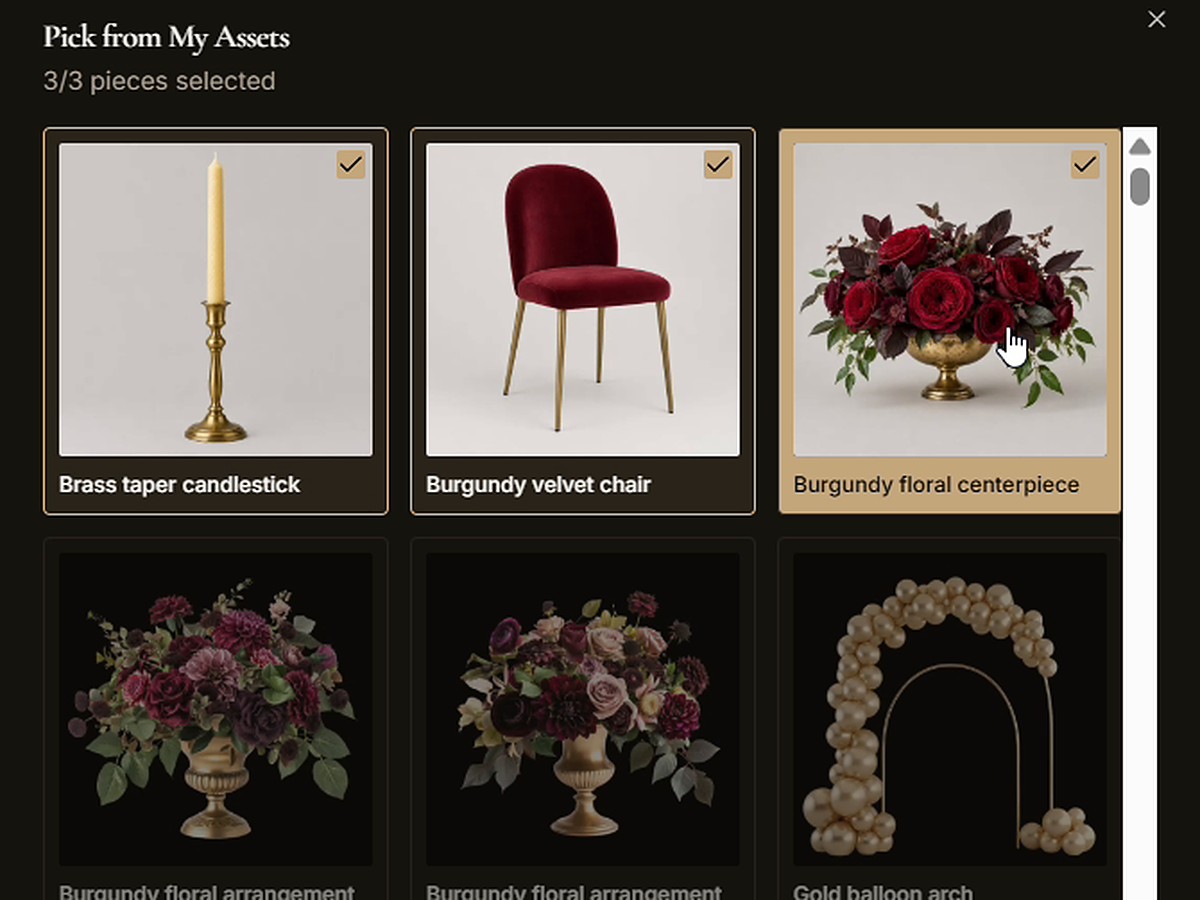
Choose your pieces
Your own décor, ready-made assets from the Event Design Concept Kit, or let EventVision choose. A few simple questions, no prompts.
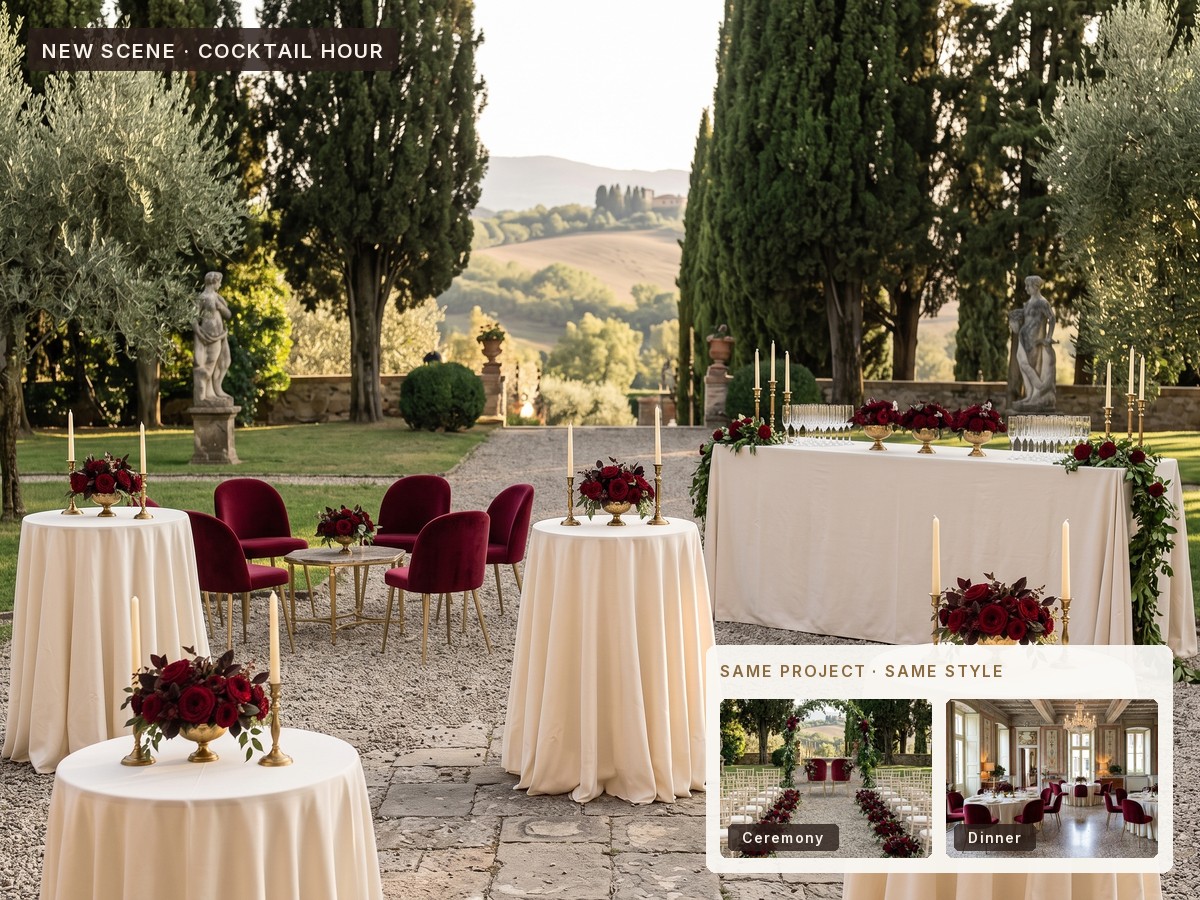
Add every scene, then share
Add the cocktail hour, the dinner, the cake table: every new scene keeps the venue, pieces and style of the project. Change one detail anytime, then send it all to your client.
See it in action
From your storage room to their venue.
Surgical Edit
Client changed their mind? Change only that.
Revisions used to cost you an evening. Now they take a sentence.
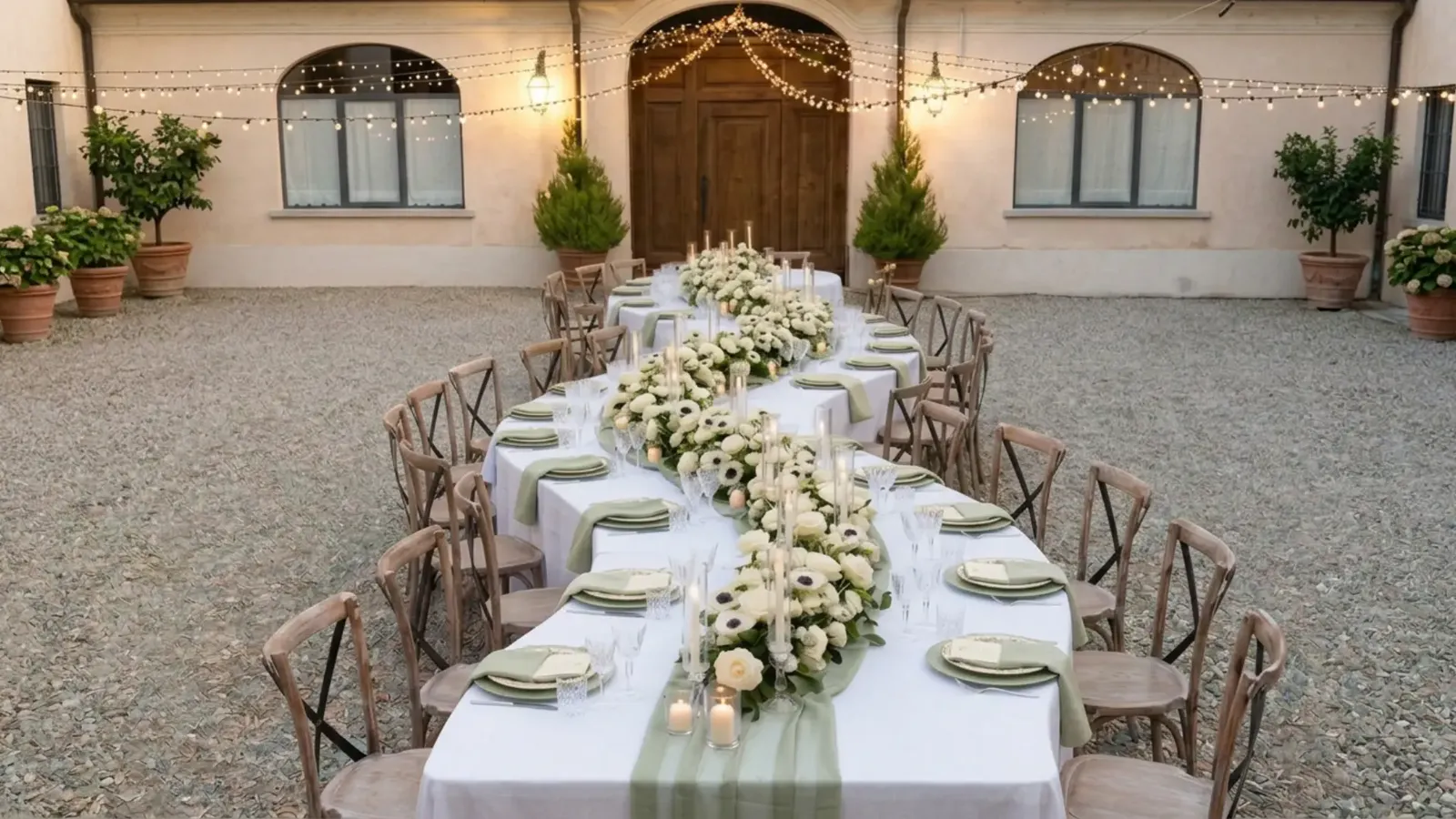
“Love it… but can we try clear ghost chairs?”
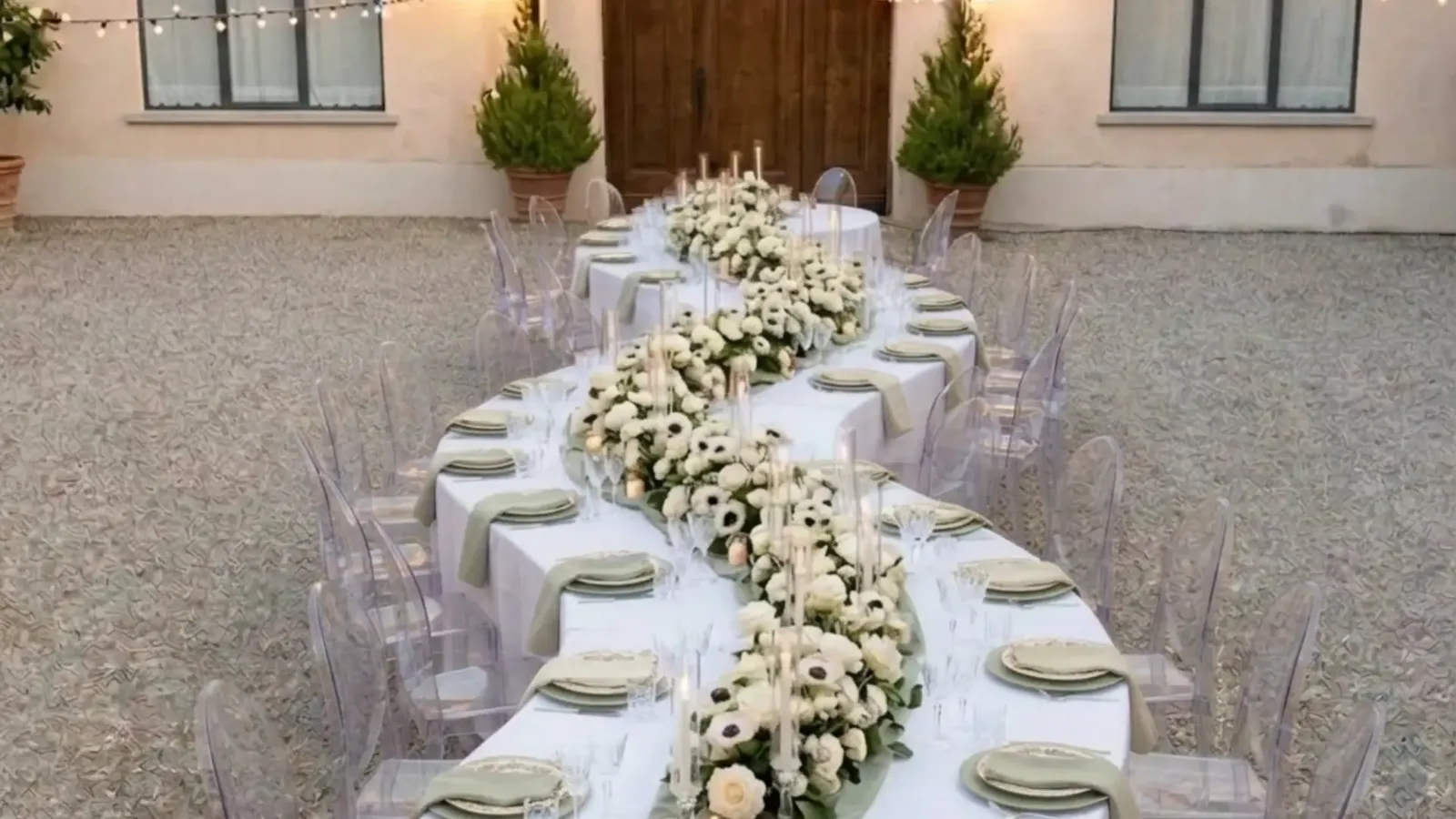
Done. Same room, same table, new chairs.
Pricing
Start free. Upgrade when you’re ready.
Bought the Event Design Concept Kit? Use code KIT15 for 15% off any plan for 3 months.
Prices include VAT · Cancel anytime · Extra generation packs available, no subscription needed, they never expire
FAQ
Questions
Will it look AI-made?
It starts from a photo of your real venue and can use photos of your own décor, so the concept shows your space and your pieces, not a stock scene.
Isn't this just ChatGPT or another AI image tool?
No. It starts from a photo of your real venue and keeps it as it is, can use photos of your own décor, and lets you change one detail without redoing the whole scene. No prompts to write.
Can I use my own décor?
Yes. Photograph your chairs, candlesticks or centerpieces, save them in My Assets, and pick them when you build a concept.
I already have the Concept Kit and Canva. Why would I need this?
Keep the Kit for the days you want to compose by hand. When you don't have the time, use the same assets in EventVision and get a photorealistic concept in minutes. Concept Kit buyers get 15% off any plan for 3 months with code KIT15.
Do I need design or AI skills?
No. Guided setup asks a few simple questions. To change something, you write it in plain words.
Will it replace my creativity?
No. The idea, the pieces and the choices stay yours. EventVision only makes them faster to show to your client.
No venue photo yet?
Describe the space in a few words and start from there.
Will it show the exact number of tables and chairs?
Not exactly. The concept shows the layout, the style and the atmosphere. For exact counts, share your floor plan alongside it.
Is it worth it?
A set of custom 3D renders can cost hundreds and take days. Pro includes 150 generations a month, and you can start free.
What happens to my photos?
They are stored privately in your account, so you can reuse them across projects. They are used only to create your concepts, and you can delete them, or your whole account, at any time.
Can I cancel anytime?
Yes. You can cancel from your account whenever you want.
Your next concept,
in minutes.
8 free generations · No card required